AI knowledge base for experts managing multiple clients and projects
Knowledge lost across clients and projects.
Sofie writes and links the wiki for you.
For anyone managing multiple clients, projects, or teams: chat in plain language and Sofie writes the pages, cross-links related entries, and keeps every knowledge domain current.
0 min
to update a page. The wiki stays current on its own.
1 wiki
instead of scattered folders, Slack threads, and docs across apps.
seconds
to an answer from your wiki, not another question to the founder.
Expected outcomes, not customer-reported metrics.
For multi-domain experts and client-facing teams
Manage multiple knowledge domains without losing the details. Each client, project, or workstream gets its own organized pages, deadlines, and history, without you writing or linking a page by hand.
Find clauses and links across five client folders in one chat.
/clients/acme/contracts
Renewal clause surfaced and linked to engagement summary.
+ Linked: section 4.2 renewal, 90-day notice
Reminders tied to the right client page, days before each deadline.
/clients/acme/quarterly-report
Deadline reminders bound to client pages.
+ Reminder: Wed, 48h before Fri deadline
Turn one client's work into a template you scaffold for the next.
/templates/engagement-spec
Reusable spec template captured from past engagement.
+ Template sections: scope, deliverables, timeline
Log call outcomes straight into the client's history from chat.
/clients/rossi/strategy-call-2026-06-30
Strategy pivot captured with reasoning and next steps.
+ Positioning: enterprise, + Linked: previous positioning doc
Tell Sofie what each folder is for; it builds and links the pages.
/clients
Client pages created and cross-linked from one chat.
+ 5 client index pages, + 12 cross-links auto-wired
When your practice grows into a team
The same wiki scales to a shared workspace when you add collaborators: onboarding, decision history, and procedures stay current without anyone babysitting them.
A few examples of what the same wiki handles once a team is on it.
Capture repeat questions once so new hires self-serve.
/team/onboarding-faq
Top five repeat questions captured for self-service.
+ Q: how to ship a release, + Q: staging URL, + Q: refund policy
One starting page with architecture, pipeline, and style guide.
/onboarding/engineer-week-one
Week-one plan with architecture, pipeline, and style guide.
+ Day 1: architecture overview, + Day 2: deploy pipeline
Recover the full reasoning behind any past decision.
/decisions/2025-12-postgres-vs-dynamodb
Decision rationale recovered with versioned follow-up.
+ Context, + Decision, + Follow-up review diff
Keep process docs current as the team doubles, old versions kept.
/processes/deploy-checklist
Deploy checklist updated to current flow, old version kept.
- Manual DB migration + Auto migration via CI
Turn a Slack thread into a structured procedure page.
/procedures/refunds
Refund flow captured from Slack thread into procedure page.
+ Step 1: Support logs case, + Step 2: Finance approves
Document once so other teams stop interrupting.
/engineering/rate-limits
Rate limit doc cross-linked to marketing-facing overview.
+ Thresholds, + Headers, + Linked: /marketing/api-overview
"It's not that we document better. It's that we finally document at all."
How it works
Three steps. Chat in, wiki out. No templates, no copy-paste, no wikis to babysit.
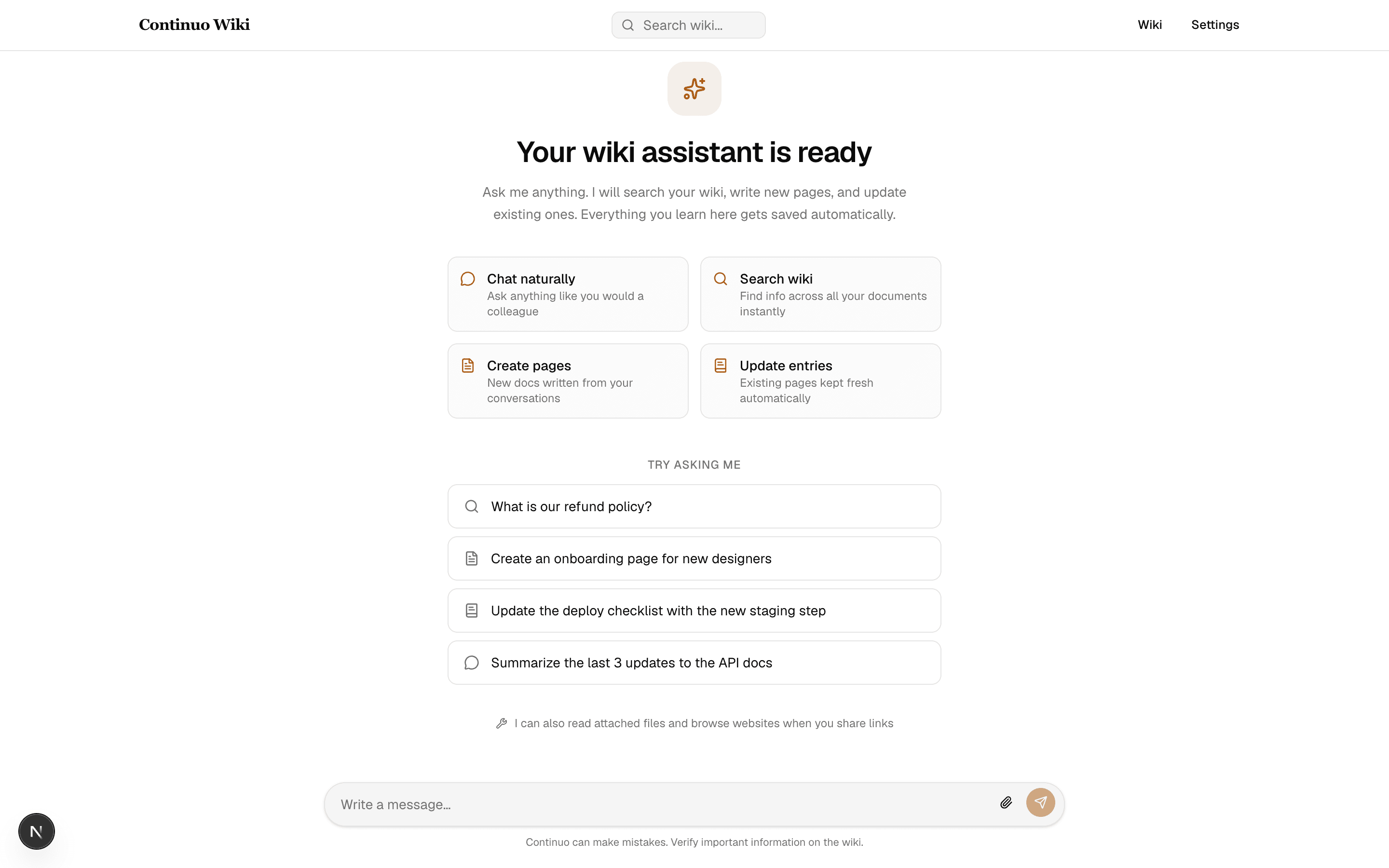
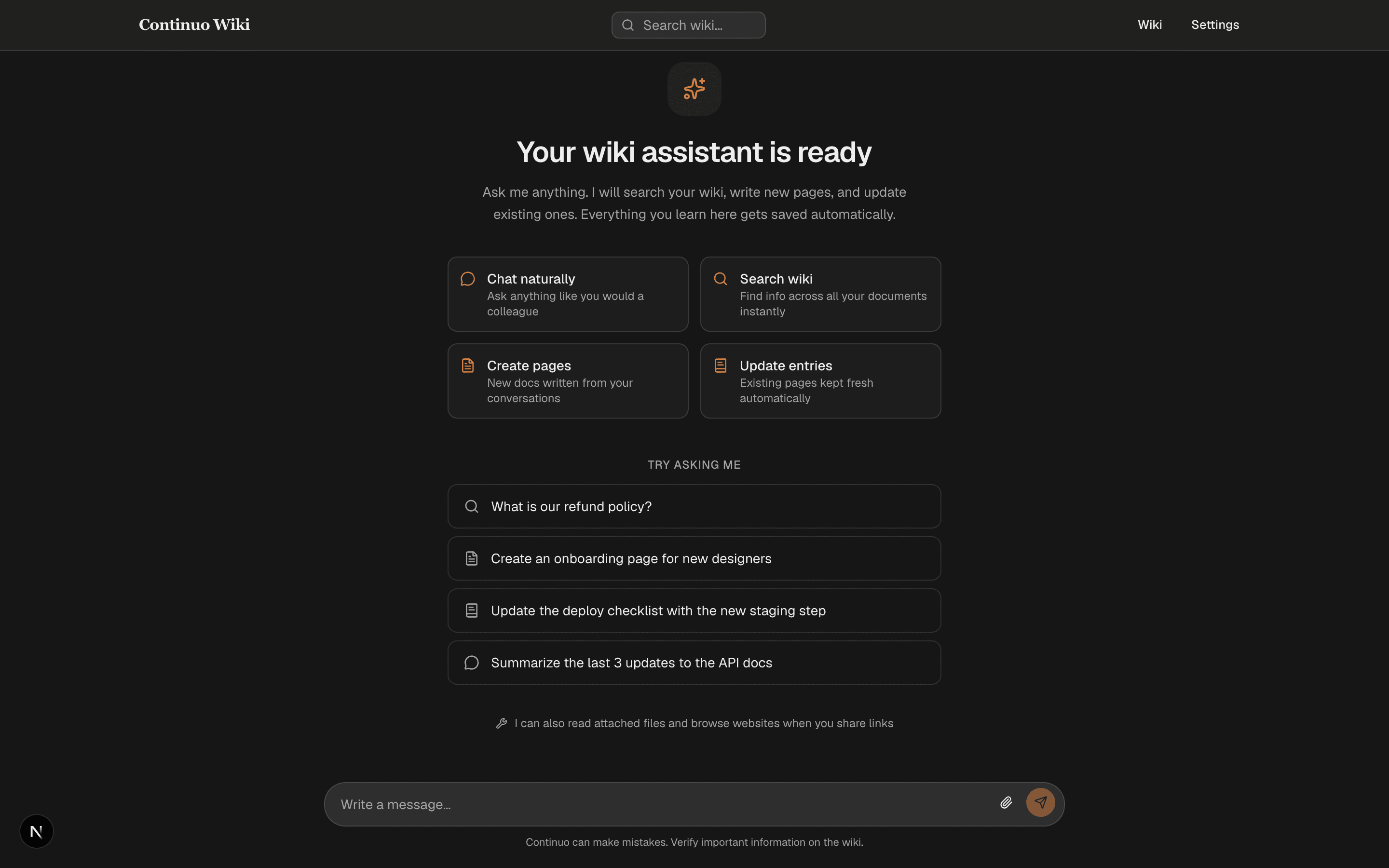
Ask in chat
Write like you'd talk to a colleague. No forms, no prompt magic, no templates to fill in.
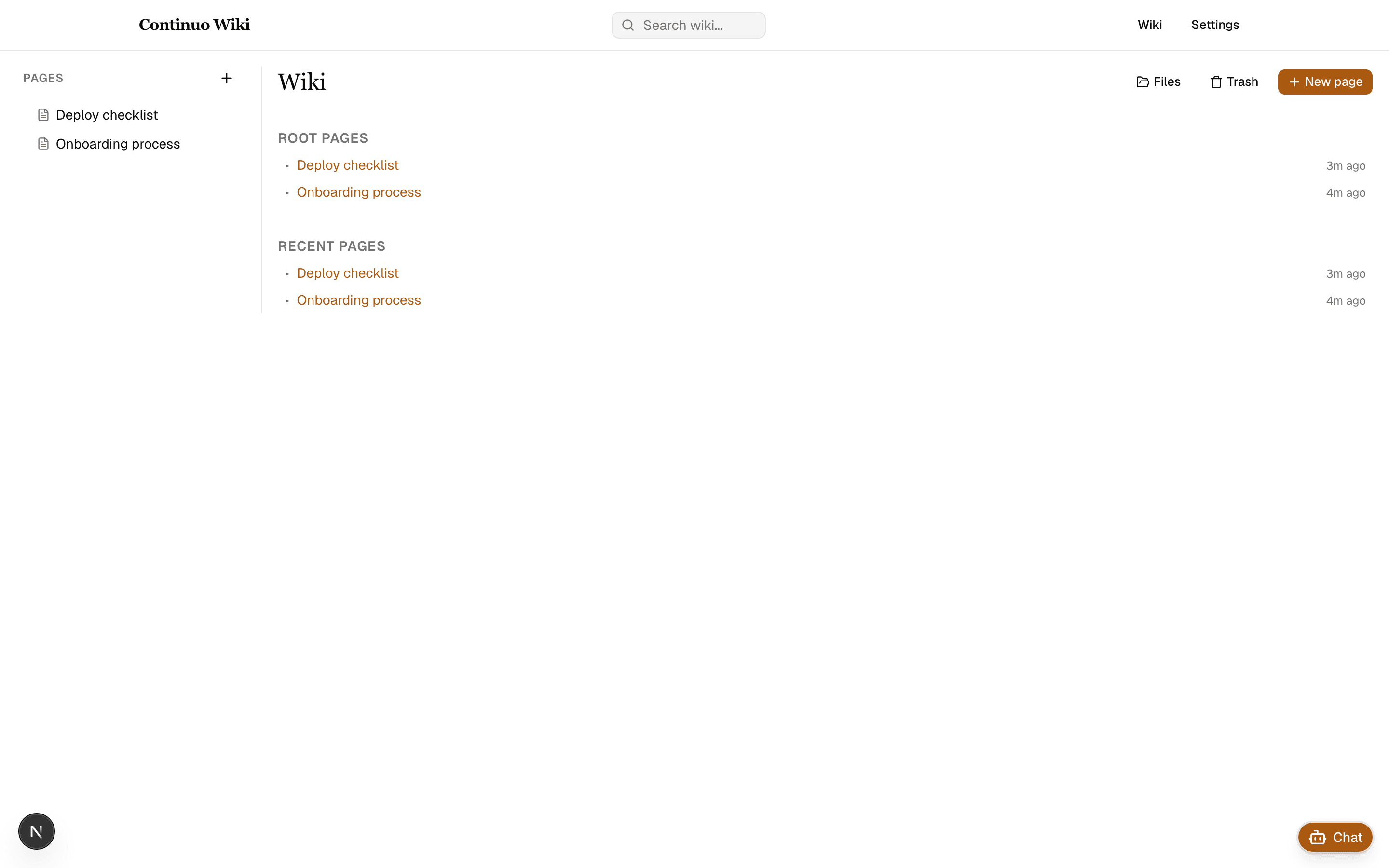
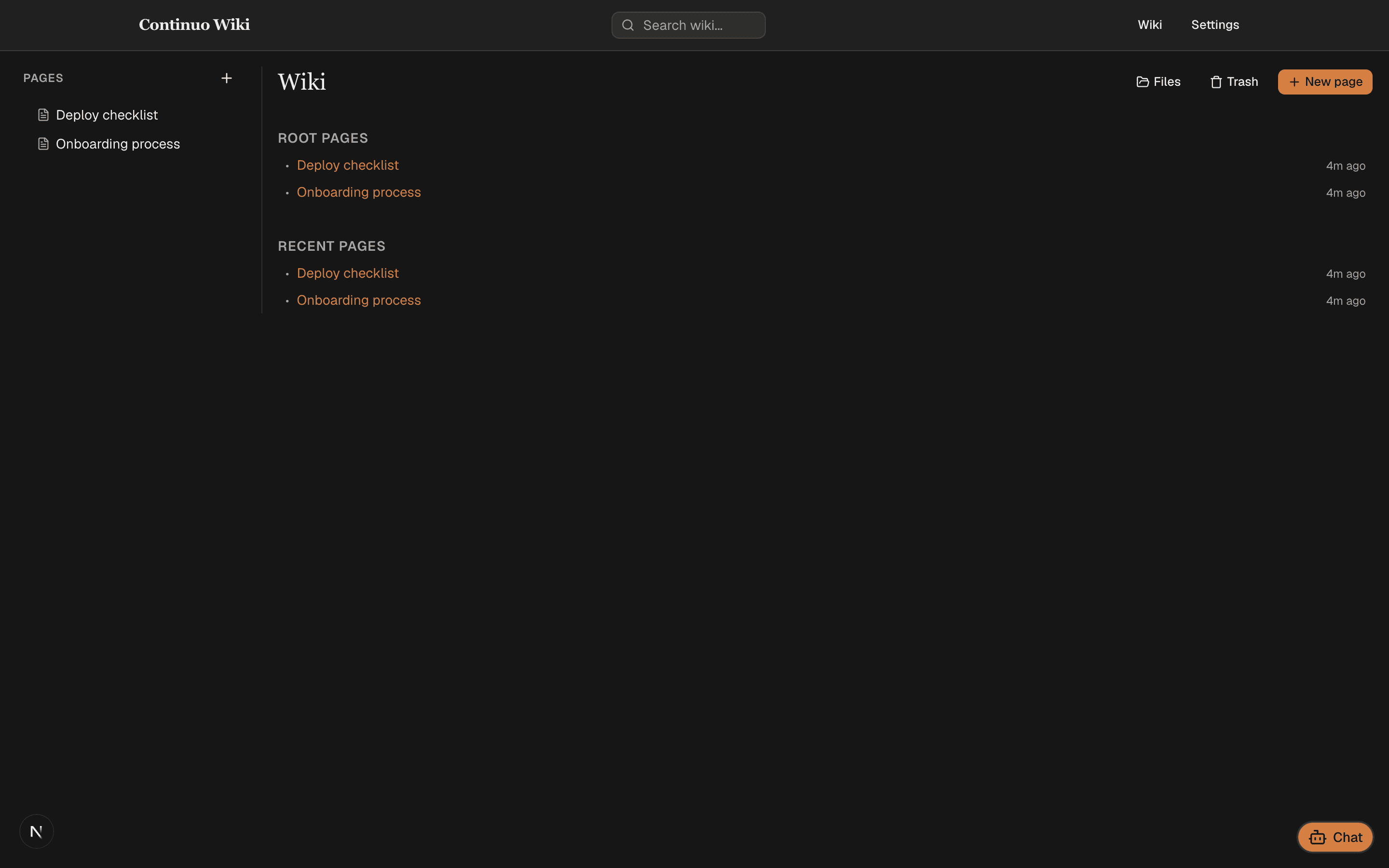
AI updates the wiki
The right page is created or edited automatically. Related entries get cross-linked. Nothing to copy-paste.
Browse it like Wikipedia
Read the answer in a clean article. Table of contents, history, related pages, always up to date.
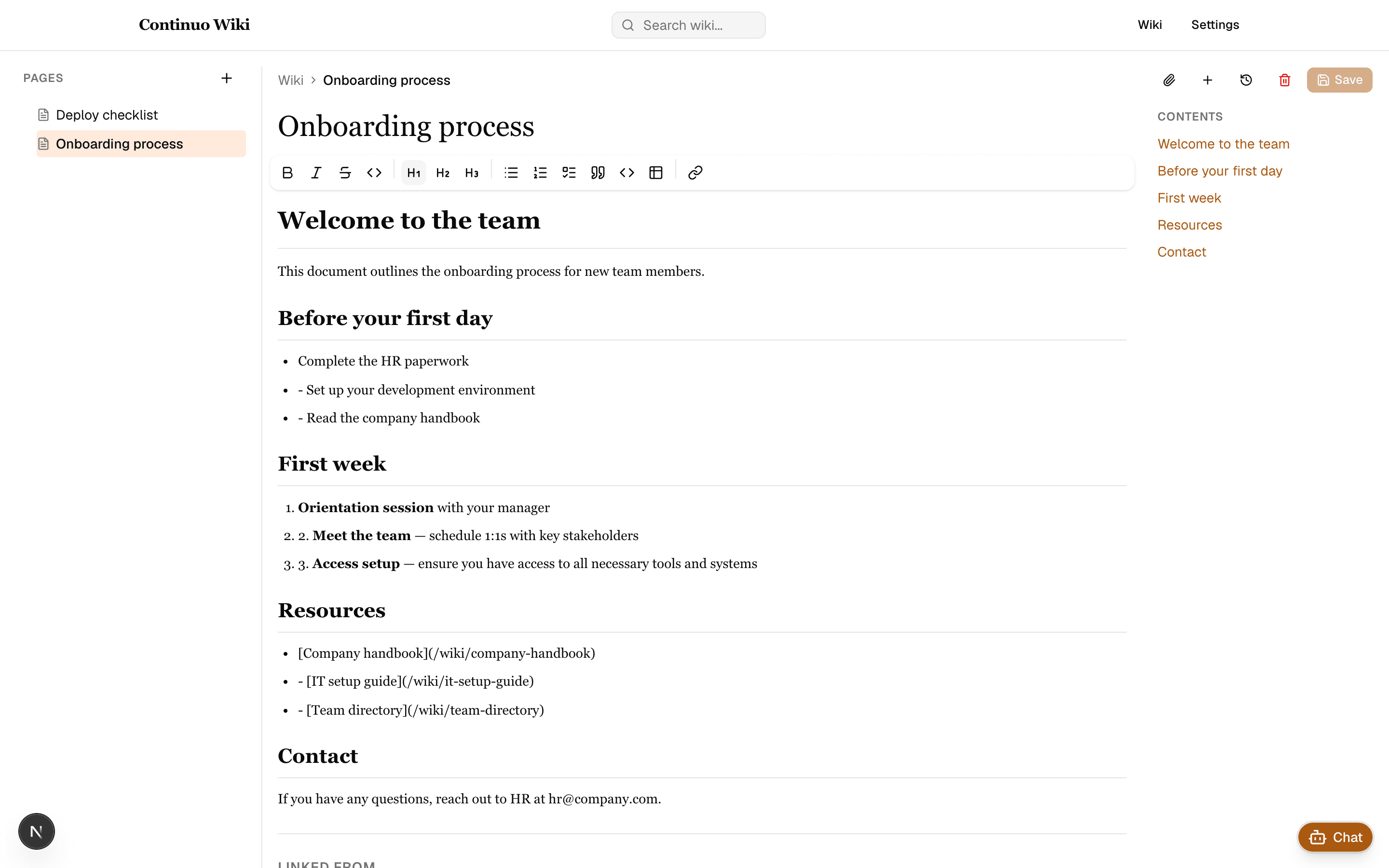
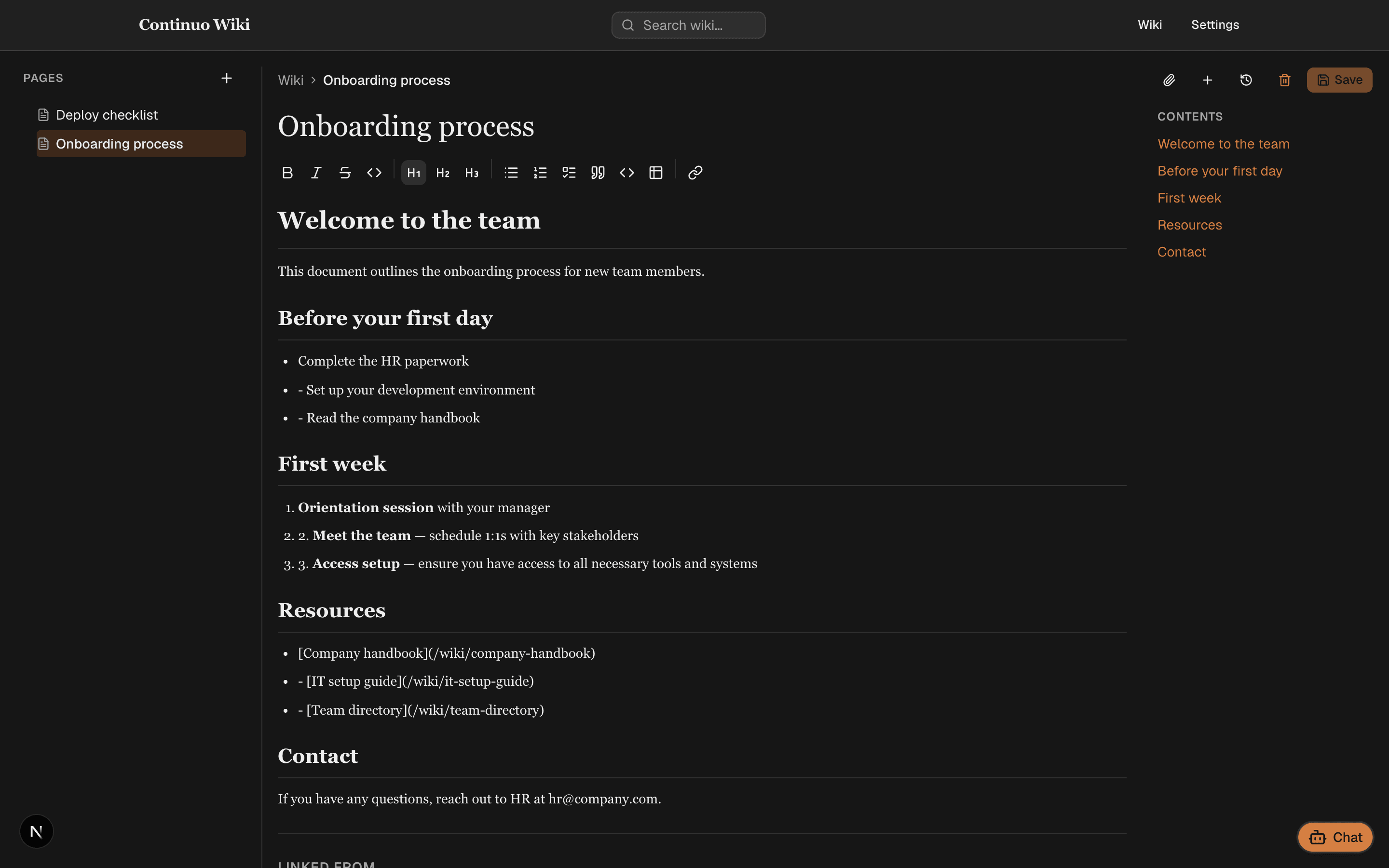
What you can do with your AI knowledge base
What makes it different
Unlike Notion, where you create and link every page by hand, and Google Drive, which has no structure or AI, Sofie keeps the wiki current on its own. Three things that set it apart when your brain holds more knowledge than your tools.
Compare Sofie to other tools
Pricing
Solo experts start free, forever. Professionals managing multiple domains upgrade to Pro when the wiki is part of your workday. Growing teams talk to us for team seats. Everything is free during beta, except Team.
Free
Start hereFor solo experts
- 1 workspace
- 1 user
- Unlimited wiki pages
- Limited provided AI usage
- Bring your own AI key
- Public page sharing via link
Pro
For professionals managing multiple domains
- 1 workspace
- 1 user
- Unlimited wiki pages
- Higher provided AI usage
- Bring your own AI key
- File uploads and attachments
- Full revision history
- Custom system prompt
- Voice transcription in chat
- MCP integrations
- Public page sharing via link
- Email support
Team
For growing teams
- Everything in Pro, per seat
- Multi-user workspaces
- Granular permissions
- Hosted AI service
- SSO and custom domain
- SOC 2 and GDPR (soon)
- Priority support
All plans are free during the initial beta period, except Team. Regular pricing resumes after beta: Pro €4.99/mo, Team custom. No credit card required to start solo.
Turn your conversations into knowledge
Free for solo experts, forever. No credit card required. Bring it to your team when you are ready to stop being the bottleneck.
Bringing it to your team? See the team plans.
By signing up, you agree to the terms of service and privacy policy.
Frequently asked questions
Everything you need to know before you start. Still stuck? Reach out on the contact page.